



Dispatch updates
Follow the dispatch steps supported by the first connection.
Ecommerce order management
Follow the work around each connected order, from delivery responsibilities to dispatch, shipment tracking and customer messages. Liin’s first workflow brings the Salla–eXtra connection into one place.
The first Salla–eXtra workflow through Mirakl is being built and tested.
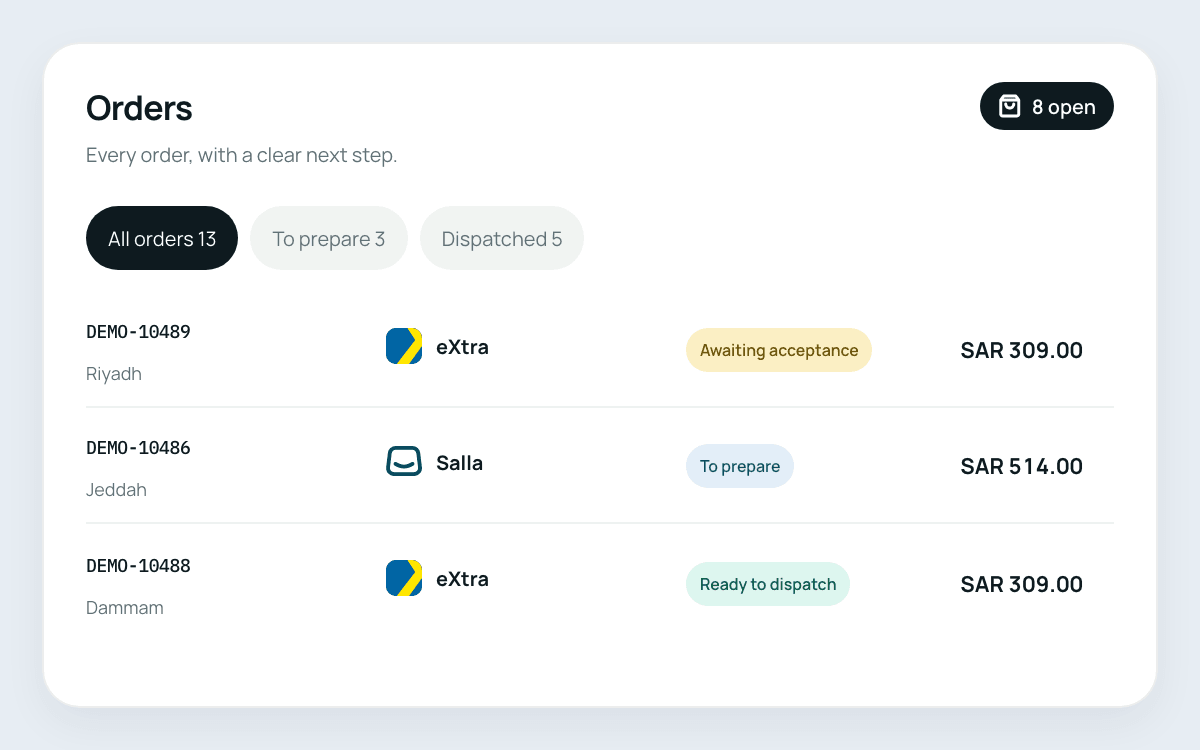
Managing orders in a separate system from your connected products adds more switching to the working day. Liin imports connected marketplace orders into its workspace, so order follow-up sits alongside the product, stock and price work handled by the connection.
Not every order follows the same delivery arrangement. The first eXtra workflow handles different delivery responsibilities, helping you follow the steps that apply to the connected order rather than treating every shipment the same way.
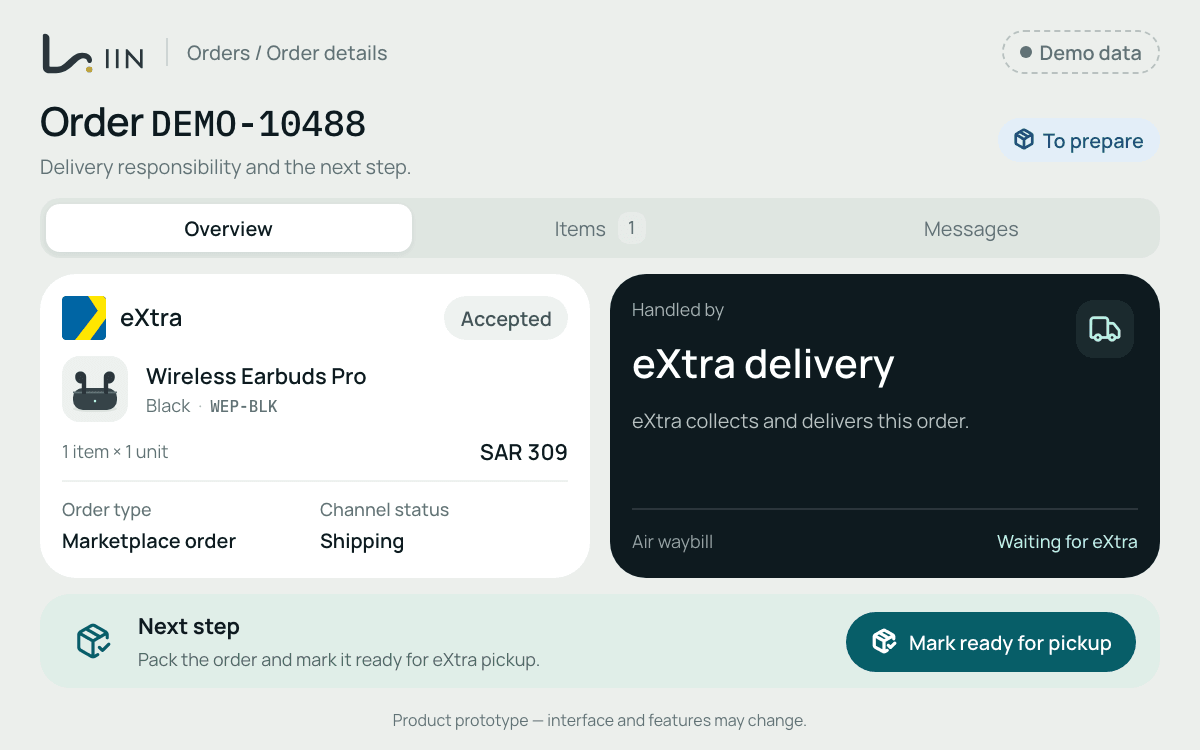
Follow the shipment details needed for connected eXtra orders from the same operational workspace.
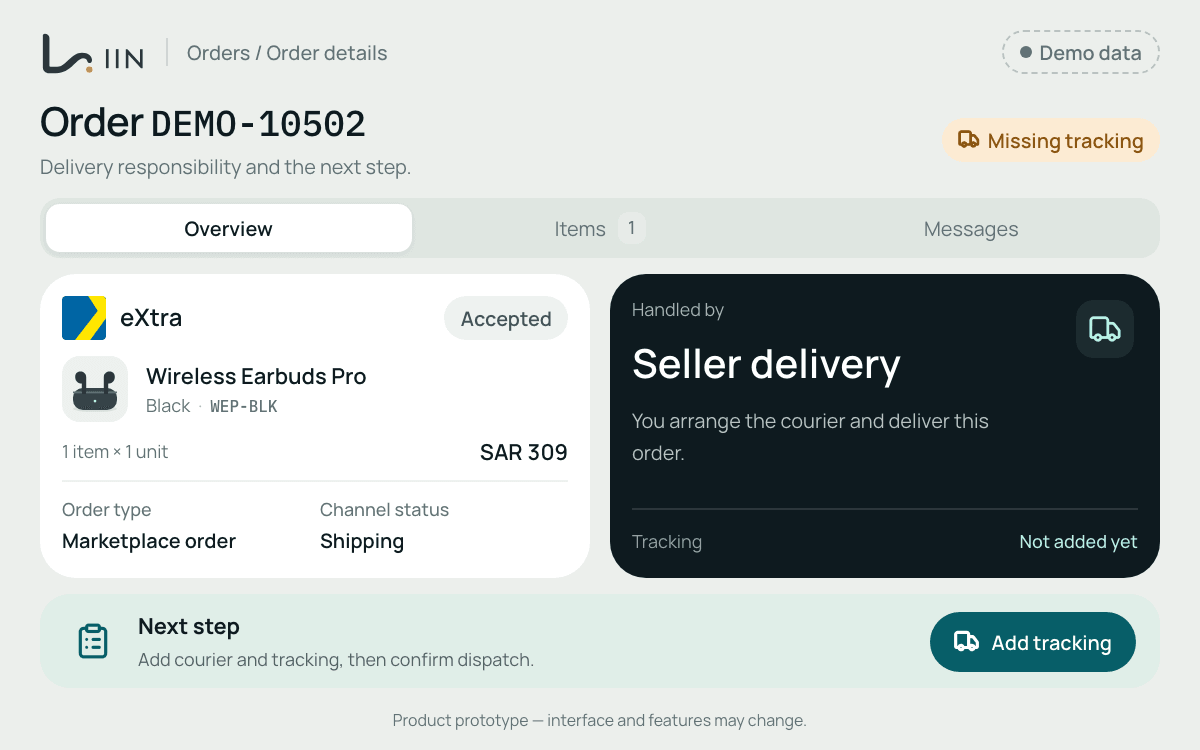
Follow the dispatch steps supported by the first connection.
Keep track of the shipment information associated with connected orders.
Work with the airway-bill information used in the supported delivery workflow.
Customer questions are part of managing marketplace orders. The first workflow supports eXtra customer messages, so your team can handle that work alongside connected order operations with less switching between systems.
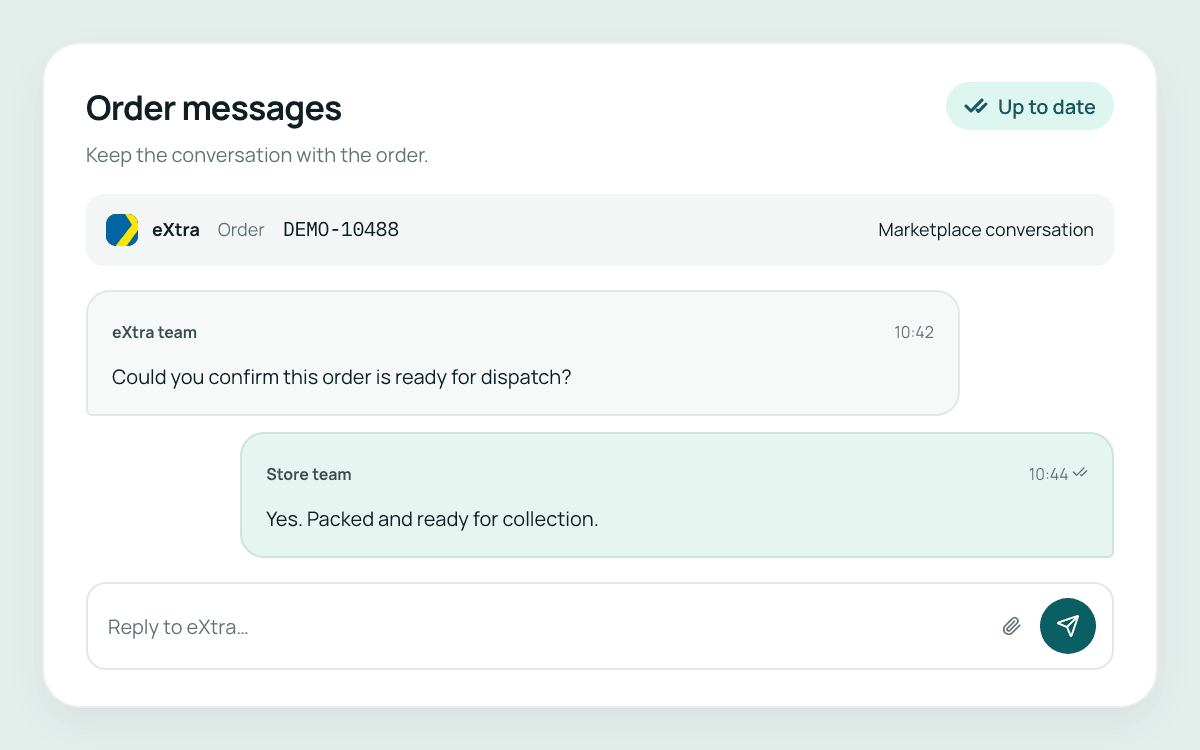
The next step depends on the order and its delivery arrangement. The connected workflow brings the supported tasks together.
Bring the order into view and identify the work required.
Follow the delivery arrangement that applies to that eXtra order.
Work through the supported dispatch, airway-bill and tracking steps.
Handle eXtra customer messages as part of the connected order workflow.
Returns and refunds are not part of the current connection scope. The first workflow described here covers connected orders, delivery responsibilities, dispatch, tracking, airway bills and customer messages.
The first workflow is built around your Salla store and eXtra seller account through Mirakl. It imports and manages connected marketplace orders within Liin.
Yes. The first workflow covers dispatch, tracking and airway bills for supported eXtra delivery arrangements. The actions available depend on the order’s delivery responsibilities.
The first workflow supports eXtra customer messages, alongside the connected marketplace order tasks.
No. Available actions depend on the connected platform and the order’s delivery arrangement. The demo can review the actions covered by the first connection for your workflow.
Returns and refunds are being developed and are not part of the current connection scope.
Tell us how your team handles eXtra orders, delivery and customer messages today. We’ll review the first workflow and discuss availability for your setup.