



Stock updates
Keep quantities for matched products aligned across the connection, instead of managing every update separately.
Salla marketplace integration
Liin’s Salla integration connects the products in your store with marketplace work, from matching items to updating stock and prices and following connected orders.
First connection in testing: Salla and eXtra through Mirakl.
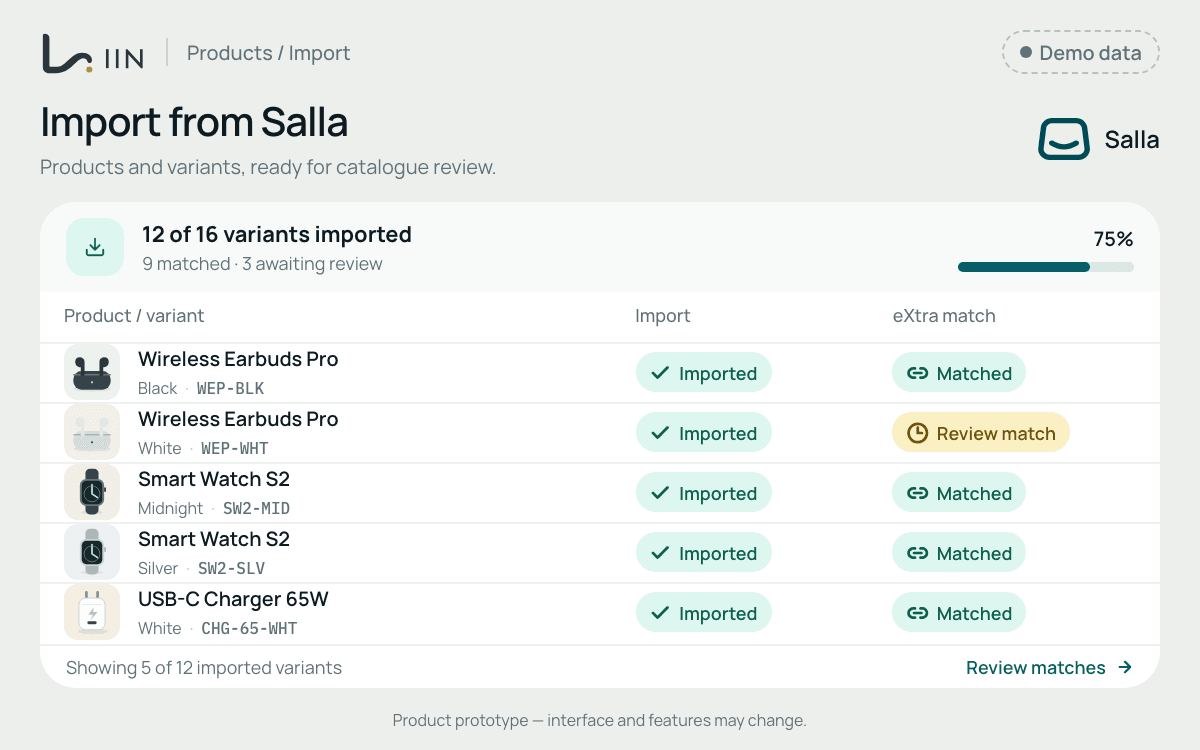
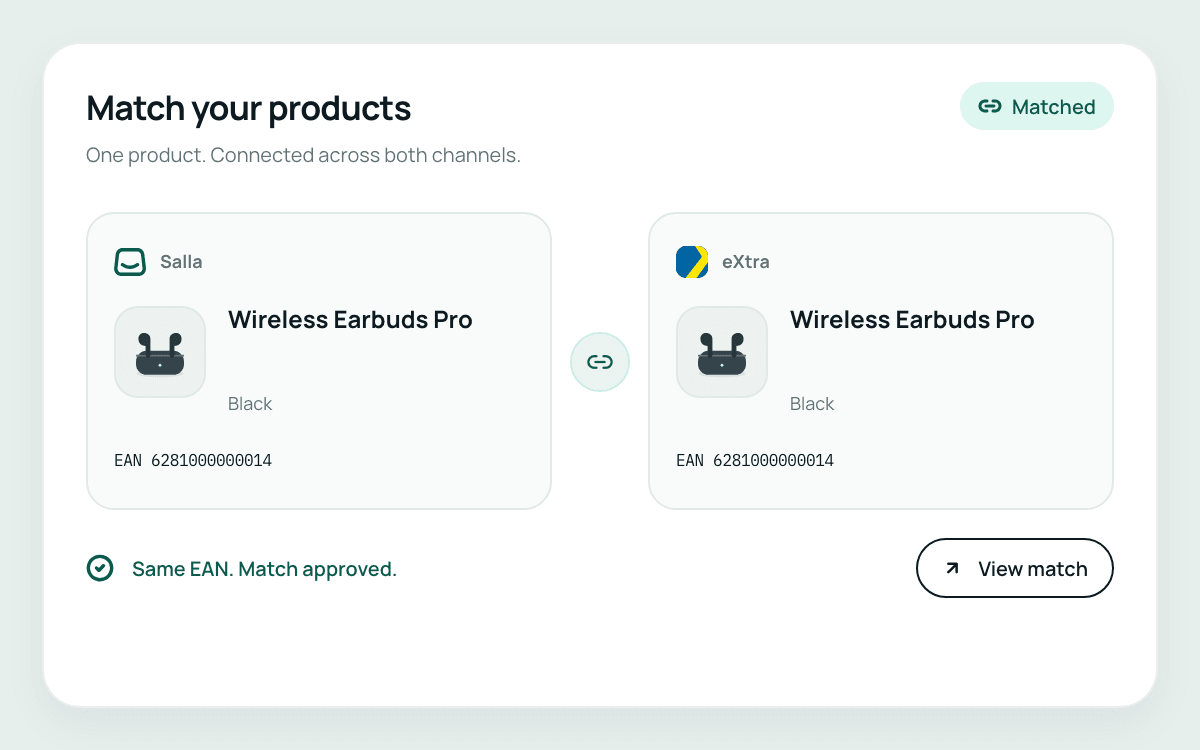
Import your Salla products and variants, then match them to the right products in the marketplace catalogue. EAN and other trusted identifiers help connect the correct items across the two systems.
Reduce the work of entering the same changes in separate systems. Liin uses the rules you set to synchronise stock and seller-offer prices for connected products.
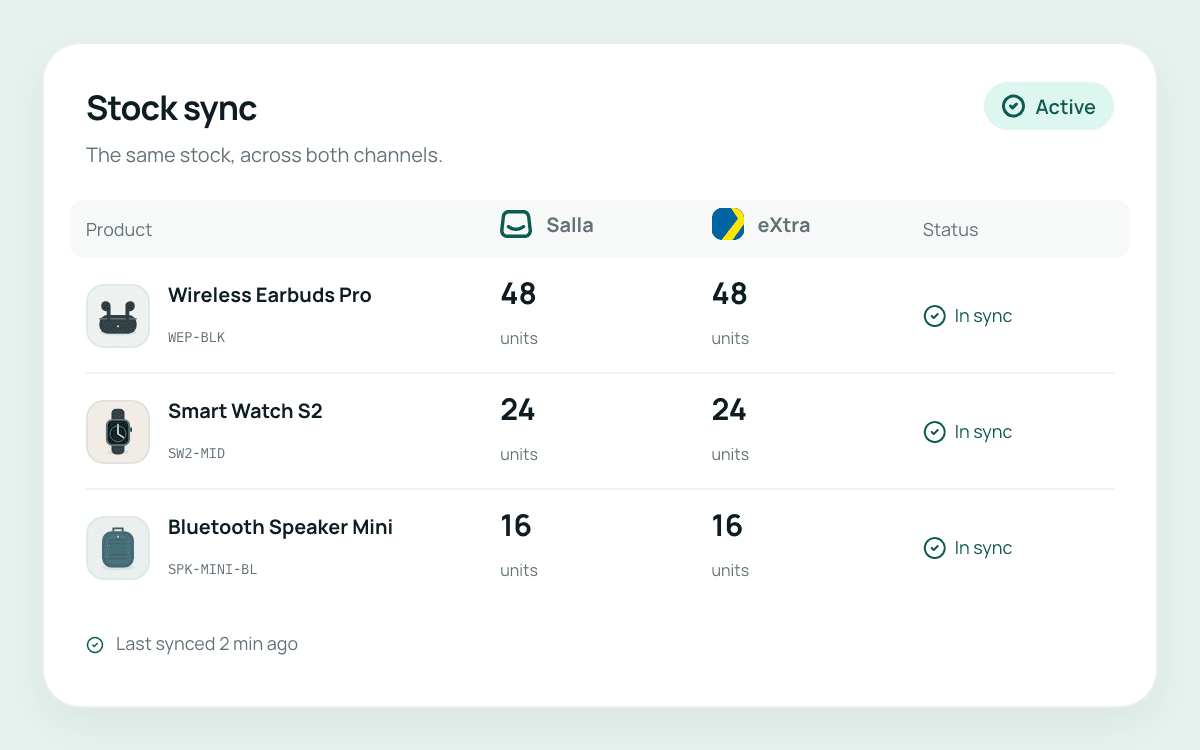
Keep quantities for matched products aligned across the connection, instead of managing every update separately.
Apply your pricing rules to connected seller offers, with a clear relationship between each product and its marketplace offer.
The first workflow brings connected marketplace orders into Liin, where you can follow delivery responsibilities, dispatch, shipment tracking, airway bills and customer messages. Product work and order follow-up become part of the same connected operation.
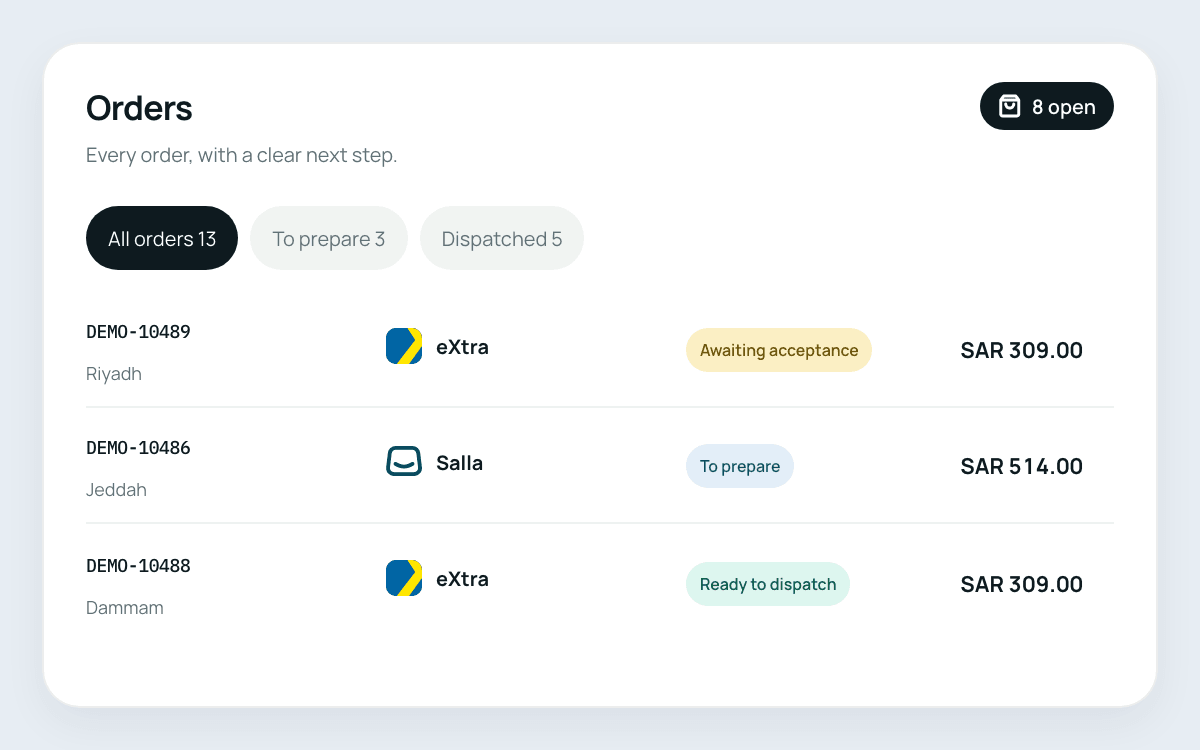
The first connection being built and tested links your Salla store to your eXtra seller account through Mirakl. It is the starting point for Liin’s wider direction of connecting ecommerce systems and sales channels.
A useful starting point is a clear view of your store, your products and the marketplace account you want to connect.
Seller registration, account approval and access permissions remain subject to each platform’s requirements.
The first connection links Salla with your eXtra seller account through Mirakl. Other marketplace connections are planned and will be announced when ready.
Yes. The first workflow can import Salla products and variants and match them using EAN and other trusted identifiers. Accurate product data is important for reliable matching.
Review the product identifiers and the corresponding marketplace catalogue entry before connecting the item. Bring an example to the demo so the matching requirements can be discussed for your catalogue.
Liin brings connected marketplace orders into its workspace, with the first workflow covering order follow-up, delivery responsibilities, dispatch, tracking and customer messages.
The first connection is being built and tested. Request a demo to review the workflow and discuss availability for your store.
Tell us about your Salla catalogue and the marketplace work you want to connect. We’ll walk through the first Salla–eXtra workflow and discuss its fit for your setup.